Bible Study App for Beginners: 10 Picks for 2026
Compare the best Bible study app for beginners in 2026: 10 apps ranked for usability, reading plans, context tools, and cost.
In this article
- 1. Scroll With God
- A focused start with room to go deeper
- 2. YouVersion Bible App
- Choose a plan before browsing
- 3. BibleProject App
- Use it to build context
- 4. First 5
- 5. Bible Gateway
- 6. Olive Tree Bible App
- 7. Dwell
- 8. She Reads Truth / He Reads Truth
- 9. Blue Letter Bible
- 10. Logos Bible Study
- Top 10 Bible Study Apps for Beginners: Feature Comparison
- Choose One App and Give It Two Weeks
You open your phone to read a Bible verse, then a message arrives, a social feed catches your eye, and the moment you'd set aside disappears. Or you do manage to read, but finish wondering what the passage meant and where it fits. Choosing a Bible study app for beginners isn't about finding the app with the longest feature list. It's about identifying what keeps breaking your routine: distraction, lack of context, an inconsistent schedule, a preference for listening, or uncertainty about paying for study tools.
Digital access is already part of how many people engage with Scripture. The American Bible Society's 2025 State of the Bible findings report that 66% of Bible users access Scripture digitally at least some of the time, and 62% of digital Bible users use Bible apps. Those figures describe the U.S., but they point to a practical choice for beginners: make your phone serve the reading habit instead of competing with it.
Below are ten options matched to a specific starting problem. Some make it easier to open the Bible each day; others help you compare translations, listen, or explore a passage in greater depth. The best fit is the one that helps you take the next step without adding more friction.
1. Scroll With God
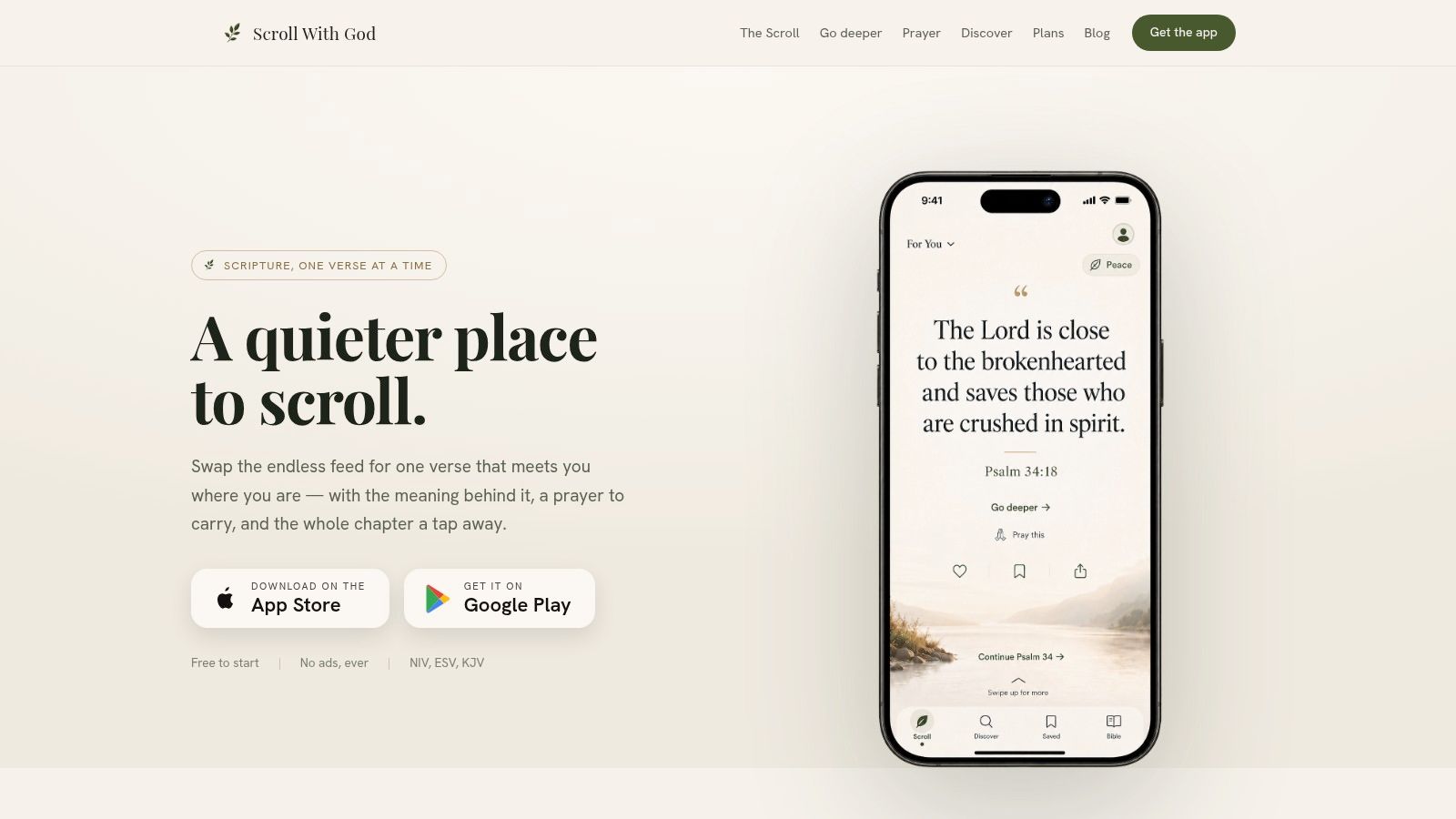
Distraction is the specific problem Scroll With God is built to address. The app shows one Bible verse per screen, pairs it with a prayer, and removes the ads and competing content that can pull attention elsewhere. From the verse view, you can continue into the full chapter, so a short pause can still lead to the surrounding context.
The free experience includes the full Bible, prayers, reminders, and ways to save, like, and note passages. You can choose from NIV, ESV, and KJV, then tune the feed around topics such as peace, grief, or gratitude. Starting with a concern already on your mind can be easier than deciding among a large library of plans, though the limited translation selection will not suit every reader.
A focused start with room to go deeper
When a verse raises a question, one-tap study sheets explain its meaning, historical setting, original-language details, theological significance, cross-references, and practical application in plain language. The study content cites sources including the NIV, BibleProject, and GotQuestions.org. Short guided collections, a library for saved passages and notes, and progress syncing give the app more structure than a simple verse feed.
The trade-off is cost and scope. Full study sheets, curated plans and collections, and unlimited notes and highlights require the optional Deeper subscription, with monthly and annual billing and a seven-day trial listed on the website. Readers who want other faith traditions, several commentaries, or a wider choice of translations will need another app.
Best fit: A beginner who wants to interrupt aimless scrolling, connect a verse with prayer, and continue into its chapter without switching apps.
For help choosing a starting passage and keeping the routine manageable, use this guide to building an early Bible-reading routine.
2. YouVersion Bible App
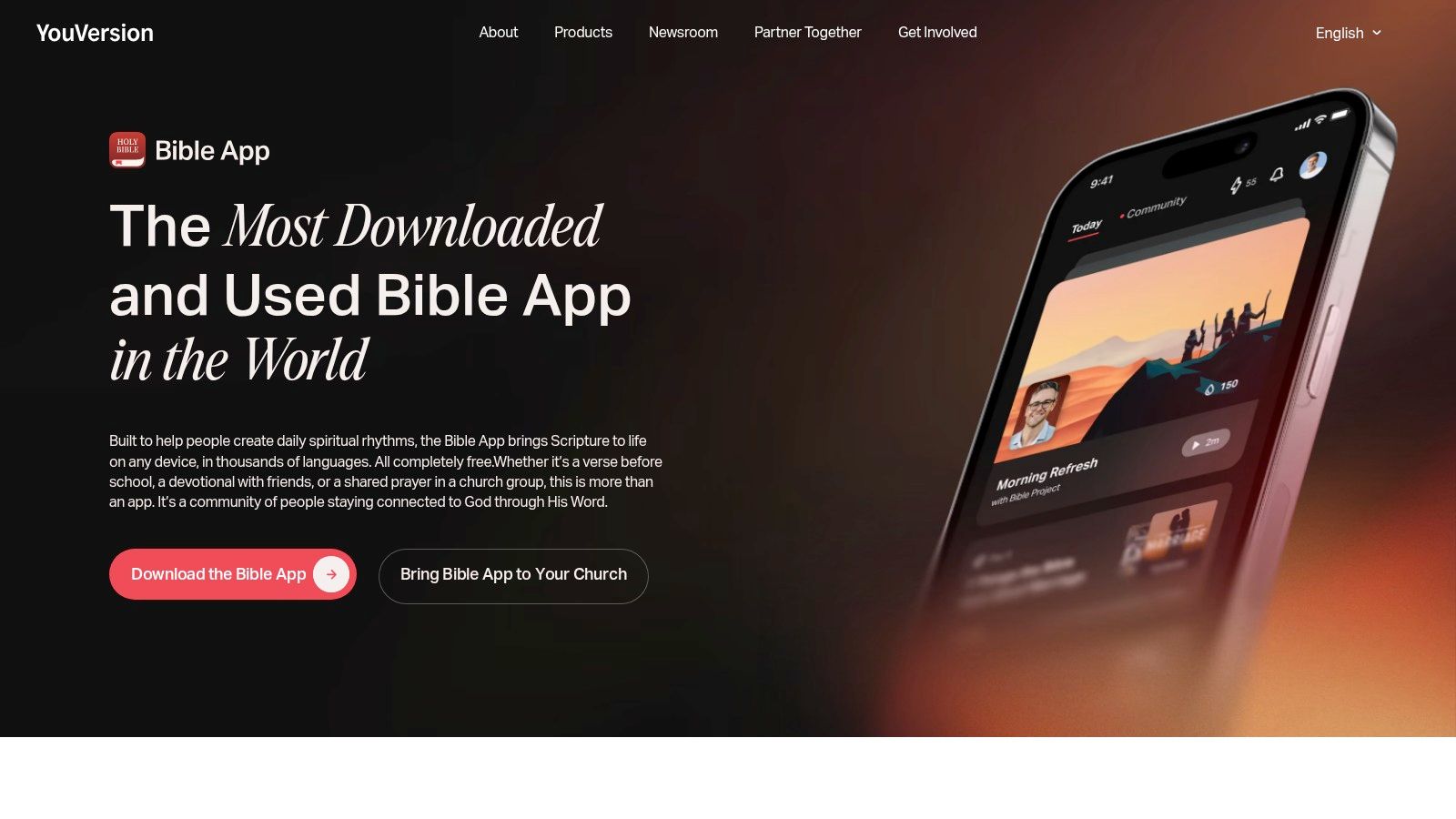
When the main obstacle is not knowing where to start, YouVersion gives beginners a broad set of entry points. Its guided reading plans and devotionals cover different topics and schedules, so you can choose a structured path rather than opening the Bible at random. The app also includes Bible translations, audio, offline access, and personal study features.
That flexibility is its strength, especially if you want to try a plan without paying or you're reading alongside friends or a group. You can save highlights, bookmarks, and notes, compare versions, and use tools for sharing. The breadth of options also makes YouVersion useful as a general-purpose Bible app rather than a tool for just one reading style.
Choose a plan before browsing
A large menu can turn choosing into its own distraction. Pick a topic or reading plan before you explore every feature, then return to the text on a predictable schedule. YouVersion offers less passage-by-passage explanation than a dedicated study app, so beginners who regularly wonder about historical setting or how a verse fits its chapter may want another source for context.
The app is free to use, offers content in many languages, and works across devices. Its community features and wide selection can feel busy if you'd rather read privately or want a quieter interface. For beginners who need options and structure, though, it's a practical place to begin.
Visit the YouVersion Bible App to explore its reading, listening, and plan options.
3. BibleProject App
Some beginners can read a passage but struggle to understand how it connects to the Bible's larger story. BibleProject is a learning library for that problem. Its visual explanations explore Bible books and themes through videos, podcasts, articles, and classes, with reflection questions and annotated materials to support learning.
This isn't primarily a conventional Bible reader. It's better used to build background before or after reading a passage, especially when you want a plain-language introduction to a book or recurring theme. The app tracks progress across its content, which can help you return to a course or topic instead of losing your place.
Use it to build context
A helpful routine is to watch or read an introduction, then open the relevant biblical text in a separate Bible app. That extra step is a limitation if you want everything in one reading interface, but it also keeps the purpose clear: BibleProject helps explain connections and context; another app can handle your daily reading and saved notes.
Its content is free, and its visual approach can make unfamiliar material more approachable than a dense reference work. The app is currently English-only, so it won't suit every reader. If you want to see how a book fits into the Bible's broader narrative, BibleProject's app is a useful companion.
4. First 5
A missed morning turns into a missed week for many new readers, and the plan they meant to follow dies. First 5, built by Proverbs 31 Ministries, is designed for exactly that failure point: it gives you a fixed daily starting point so you never have to decide what to read. Teaching runs short on weekdays, with audio teaching on weekends, and you can join the current study or pull from archived plans, including studies that walk through individual books of the Bible.
The trade-off is real. Following a preset schedule removes decision fatigue, but it also means the app fits you best on its terms, not yours. "More Moments" adds extra reflection and context when a lesson leaves you wanting more time with it.
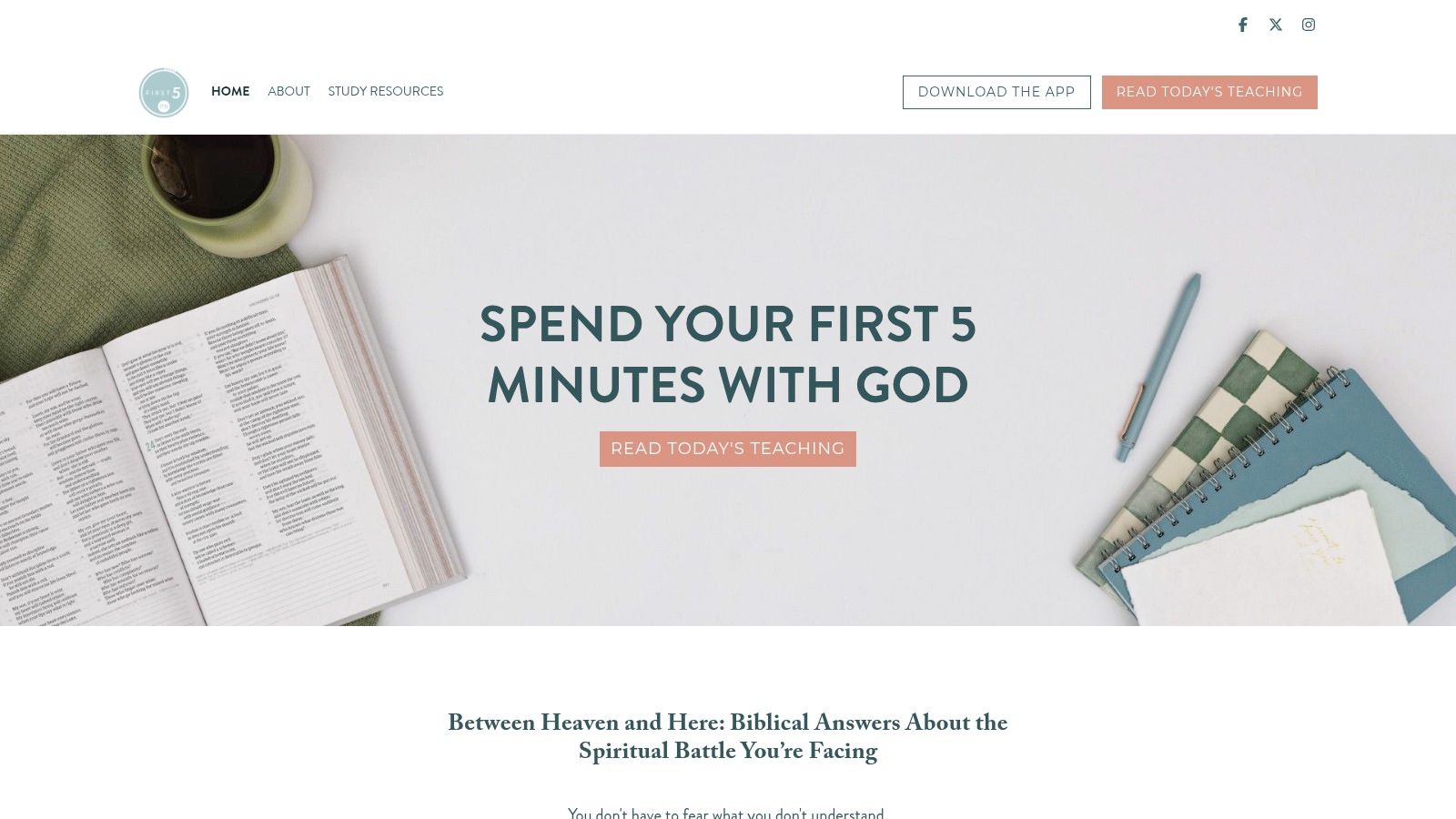
Notes, highlights, bookmarks, reminders, and group features support readers who want structure beyond a daily prompt. Some of these require an account. I've found the reminder plus a locked-in study works better than willpower alone for the first month, which is usually when beginners either form the habit or lose it.
Practical rule: Let a scheduled study shrink the number of decisions you make each morning. If the format stops fitting, switch deliberately rather than letting reading fade out.
First 5 suits readers who want guided teaching and a clear prompt waiting for them. If you're also trying to make prayer a regular part of the same routine, this guide covers practical ways to build a daily prayer habit. You can find the app and its current studies at First 5.
5. Bible Gateway
For beginners who get stuck on unfamiliar wording, Bible Gateway makes translation lookup the central strength. It offers more than 200 translations and audio Bible options, along with search, reading plans, and a verse of the day. Comparing translations can help you notice where versions phrase a passage differently and decide which wording is clearest to you.
A free account adds notes, highlights, and syncing. If you want reference material such as study Bibles and commentaries, Bible Gateway Plus offers additional resources. That gives the app a straightforward path from basic lookup to more involved study, but some of the deeper materials are paid.
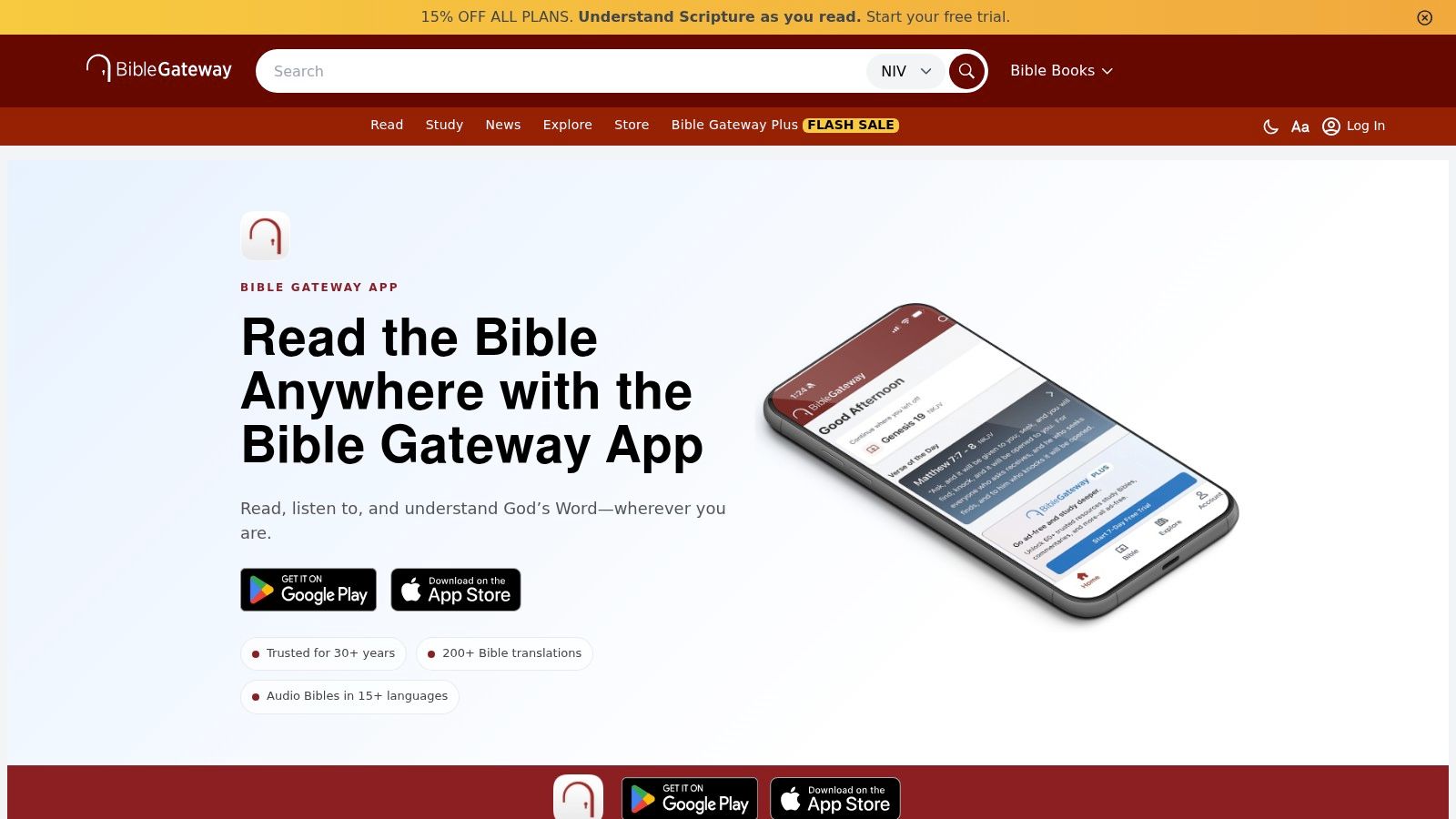
The main trade-off is choice. A wide translation selection is valuable when you have a question, but it can leave a first-time reader unsure which version to use or what to read next. Start with one translation for a short passage, and compare another only when the wording confuses you.
Bible Gateway works on mobile and web, making it convenient for both reading and quick reference. It's less guided than a devotional app, and deeper study resources may require Plus. For translation comparison and search, visit the Bible Gateway app.
6. Olive Tree Bible App
Olive Tree suits beginners who want to start with reading and add reference tools as questions arise. Its Resource Guide places relevant materials, such as notes, commentaries, cross-references, maps, and book introductions, alongside the passage you're reading. That connection can make it easier to investigate a question without starting from an unrelated catalogue of resources.
The app is free, with reading plans and reminders, but some translations and additional resources are sold separately. Notes can be organized and synced across devices, and the app is available on mobile and desktop. Its strength is the way it brings reading and reference material together, rather than requiring a complete study-library setup from day one.
Purchasable resources can make the total cost less predictable, and the interface may feel like a lot to explore at first. Don't buy a resource just because it appears beside the text. Read the passage first, write down your question, and then decide whether a map, commentary, or cross-reference would help answer it.
That approach keeps Olive Tree from turning every reading session into a research project. It's a good fit for readers who want tools available but don't need to use them all immediately. Explore the app's options at Olive Tree Bible Apps.
7. Dwell
A commute, a walk, washing dishes: some days those are the only quiet minutes a beginner gets. Dwell is built for that reality. It centers Bible engagement on audio, with listening plans, themed playlists, multiple voices and reading styles, reminders, and a sleep timer. Repeat-and-reflect tools replay a passage so you can stay with a few verses instead of moving straight to new material.
That replay option is the feature I'd point beginners to first. Hearing the same short passage twice often surfaces details you missed the first time, and it asks nothing extra of you. A plan gives the habit direction, and playlists work as an entry point when you don't know where to start.
The trade-off is real: audio has limits. Checking a cross-reference, comparing translations, or writing notes beside a verse all need a screen, and Dwell isn't designed for that work. It's free to download, but the full library sits behind a subscription, so test the voices and listening styles before paying. Some narrators will hold your attention far better than others.
Try this: Listen to a passage during a commute or walk, then open a text-based Bible app later if a verse deserves a closer look at the wording or surrounding chapter.
If listening leaves you wanting a slower way to sit with a verse, this guide to meditating on Scripture pairs well with the replay feature. Explore the listening plans at Dwell.
8. She Reads Truth / He Reads Truth
Some beginners stay engaged when a reading plan includes devotional writing and conversation. She Reads Truth and He Reads Truth are companion apps that pair daily Scripture with reflections and community comments connected to reading plans. She Reads Truth is designed for women, while He Reads Truth is its companion for men.
Both apps include a Bible, reading, and note-taking. You can choose current or past plans, and optional study books and guides offer another way to engage with a study. That day-by-day structure can help if a clear reading assignment is more useful to you than building your own plan.
Most reading plans cost extra, even though a free Bible is included. The gender-specific branding may not suit every reader, and these plans generally work best when you follow their schedule rather than dipping in and out. Community comments can add encouragement, but they aren't the same as expert commentary or a thorough explanation of a difficult passage.
Choose this option if devotional reflections and a shared reading experience help you follow through. If you prefer a neutral interface or want to select a passage without committing to a plan, another app may be a better fit. See the apps and available plans at She Reads Truth.
9. Blue Letter Bible
For a beginner with a specific question about a word or cross-reference, Blue Letter Bible provides substantial study tools without a subscription. It includes multiple translations, parallel comparison, Hebrew and Greek lexicons, interlinear tools, word searches, commentaries, dictionaries, and the Treasury of Scripture Knowledge. Basic reading, note-taking, bookmarks, highlights, and reading plans are available too.
That amount of material is helpful when you know what you're looking for. If a word seems important or a passage points to another part of the Bible, you can use the tools to follow that question further. You don't need to learn every feature to make the app useful.
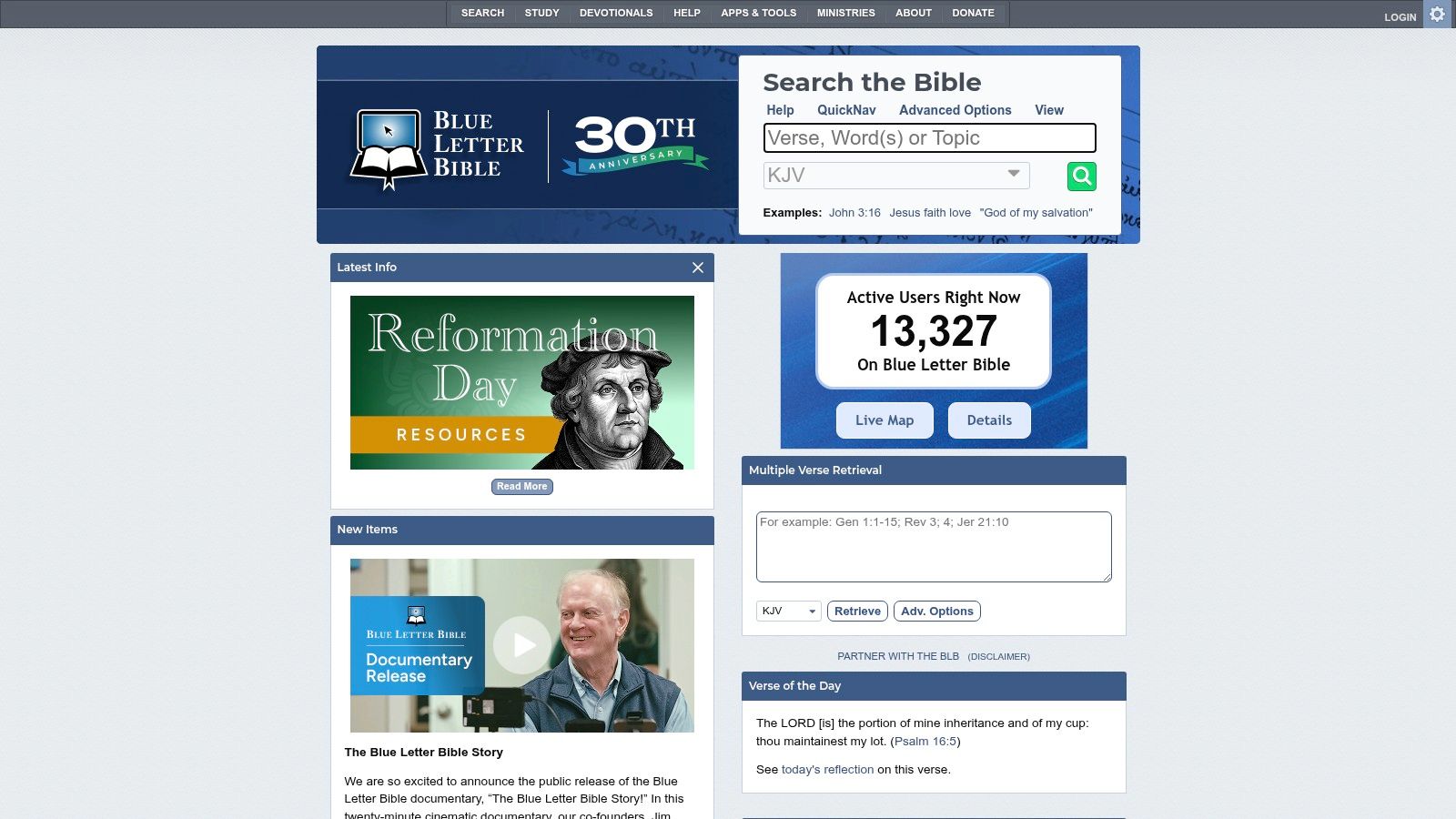
The drawback is the learning curve: the number of tools can overwhelm a first-time reader, and some features make more sense once you know how to use the app. Keep your first use narrow. Read a passage, identify one question, and open only the tool that could help answer it.
Blue Letter Bible is a strong option for self-directed exploration, but it may not be the easiest first app for someone who needs a simple reading routine. Use it as a reference when a question arises, rather than feeling you need to study every feature before you can begin. Visit Blue Letter Bible to explore its study tools.
10. Logos Bible Study
If you expect your questions to grow more detailed over time, Logos Bible Study can grow with them. The platform works across mobile, web, and desktop, with a free edition that includes Bible resources and basic study features. Reading plans, notes, highlighting, prayer lists, passage studies, topic studies, and word-study tools give you room to move from reading into research.
That breadth is also the main caution. A beginner opening Logos for the first time may see more tools than they know how to use, and some mobile features or resources depend on the edition or a purchased library. Additional books and resource collections cost extra, so it's worth distinguishing between a feature you'll use and a resource you're merely curious about.
Logos is a better match for a reader who wants one platform that can support more involved study than for someone who needs the lightest possible daily prompt. Start with a reading plan and notes, then explore passage or word-study tools when you have a specific question. You don't need to build a large library before you can read well.
For a beginner, the practical test is whether its resources clarify your current reading or make the app harder to use. If you want a platform that can expand with your study, explore Logos.
Top 10 Bible Study Apps for Beginners: Feature Comparison
Every app here handles basic reading well, so the useful question is which starting problem each one solves. Scan the Best For column first, then confirm the features support it.
| Bible App | Core Experience | Standout Features | Best For | Pricing & Value |
|---|---|---|---|---|
| 🏆 Scroll With God | ★ Focused, ad-free verse feed with chapter access | ✨ Verse-linked prayers, topical feed, plain-language study sheets | 👥 Readers who get distracted on their phone | 💰 Free core; optional Deeper subscription |
| YouVersion Bible App | Flexible Bible reading and listening | ✨ Many languages, audio, offline access, plans, and sharing | 👥 Readers wanting a broad, free Bible app | 💰 Free |
| BibleProject App | Visual Bible-learning library | ✨ Videos, podcasts, classes, and book or theme explainers | 👥 Beginners who lack context for Scripture's overall story | 💰 Free |
| First 5 | Short daily Bible teaching | ✨ Scheduled studies, archived plans, and extra reflections | 👥 Readers building a consistent daily habit | 💰 Free account; some features require sign-in |
| Bible Gateway | Bible lookup and translation comparison | ✨ 200+ translations, audio, search, and study resources | 👥 Readers comparing versions or finding passages | 💰 Free; optional Plus subscription |
| Olive Tree Bible App | Bible reading with linked study tools | ✨ Resource Guide, maps, cross-references, and commentaries | 👥 Readers who want to add study resources over time | 💰 Free app; some resources sold separately |
| Dwell | Audio-first Scripture engagement | ✨ Listening plans, playlists, repeat tools, and sleep timer | 👥 Listeners fitting Scripture into daily activities | 💰 Free download; subscription for full library |
| She Reads Truth / He Reads Truth | Daily readings with devotional writing | ✨ Plan-based reading and community discussion | 👥 Women or men seeking a devotional reading plan | 💰 Free Bible; most plans and guides cost extra |
| Blue Letter Bible | Bible reading with extensive study tools | ✨ Hebrew and Greek tools, commentaries, and cross-references | 👥 Self-directed readers exploring detailed questions | 💰 Free |
| Logos Bible Study | Research-focused Bible study platform | ✨ Passage, topic, and word studies across devices | 👥 Readers building toward in-depth study | 💰 Free edition; additional books and resources cost extra |
Plan names and pricing shift over time, so treat the pricing column as a rough guide and confirm current options on each app's page before subscribing.
Choose One App and Give It Two Weeks
Match the app to the reason you stall. If your phone pulls your attention mid-passage, the single-verse feed in Scroll With God (covered at the top of this list) removes most of what competes for your focus. If you open an app and freeze on where to start, a guided plan in YouVersion or First 5 answers that question for you. If the Bible reads like disconnected stories, BibleProject supplies the wider arc alongside whichever reader you choose. Commuters and walkers get more from Dwell's audio. Translation questions point to Bible Gateway, gradual reference building to Olive Tree, word-level questions to Blue Letter Bible, and long-term study depth to Logos.
Then commit to one primary app. Installing four and comparing interfaces feels productive while producing no actual reading. Set a single daily reminder at a time you have free, and keep the first session small: one short passage, one sentence of notes, or a brief prayer. Small and repeatable beats ambitious and abandoned.
Over the next 14 days, watch three things. First, consistency: are you opening the app, or swiping the reminder away? Second, comprehension: can you retell what you read in your own words and find the surrounding chapter? Third, tool fit: when a question comes up, do the built-in explanations resolve it, or do you keep reaching for something else?
A long feature list is not progress. Beginners rarely need every translation, every commentary, or a library of highlights. The right app lowers the friction of tomorrow's session.
After two weeks, keep what works. If it doesn't, change one variable at a time: the hour, the format, or the app itself. If the free tier covers your habit, stay on it. Pay only for a feature you have already used that answers a real question or protects a routine worth keeping.
Scroll With God, the first app in this list, pairs its focused verse feed with prayer prompts, chapter context, and plain-language explanations. If distraction or uncertainty about where to begin is your main obstacle, it makes a sensible first download, and its free experience is enough to run the two-week test described above.